How to Rebuild a LEGO® Set When Pieces Are Mixed Up
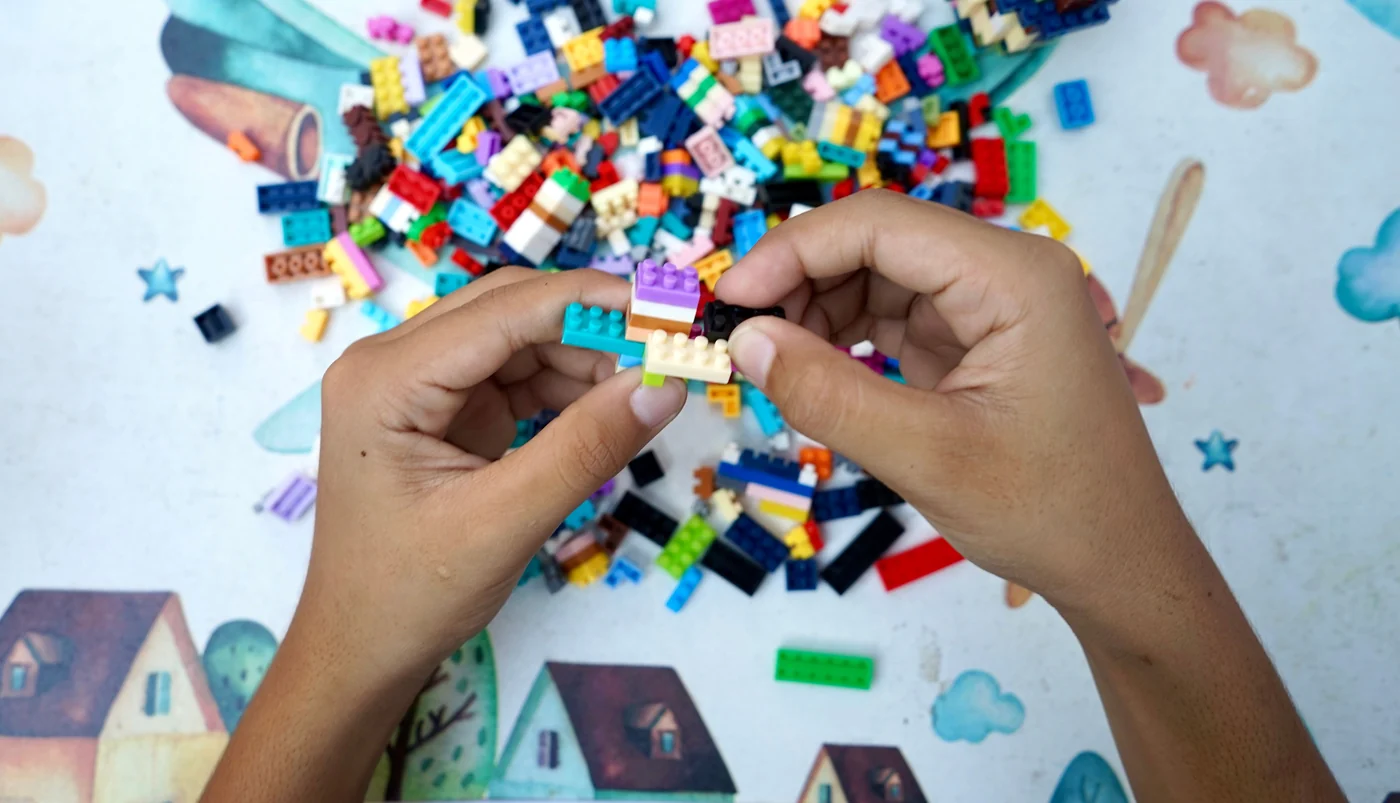
You have a bin with a dozen LEGO® sets tipped into it, and you want them back on the shelf as sets. This page is the whole method I use, start to finish. The sorting guide and the identify guide each cover one part of it. This is how those parts join up.
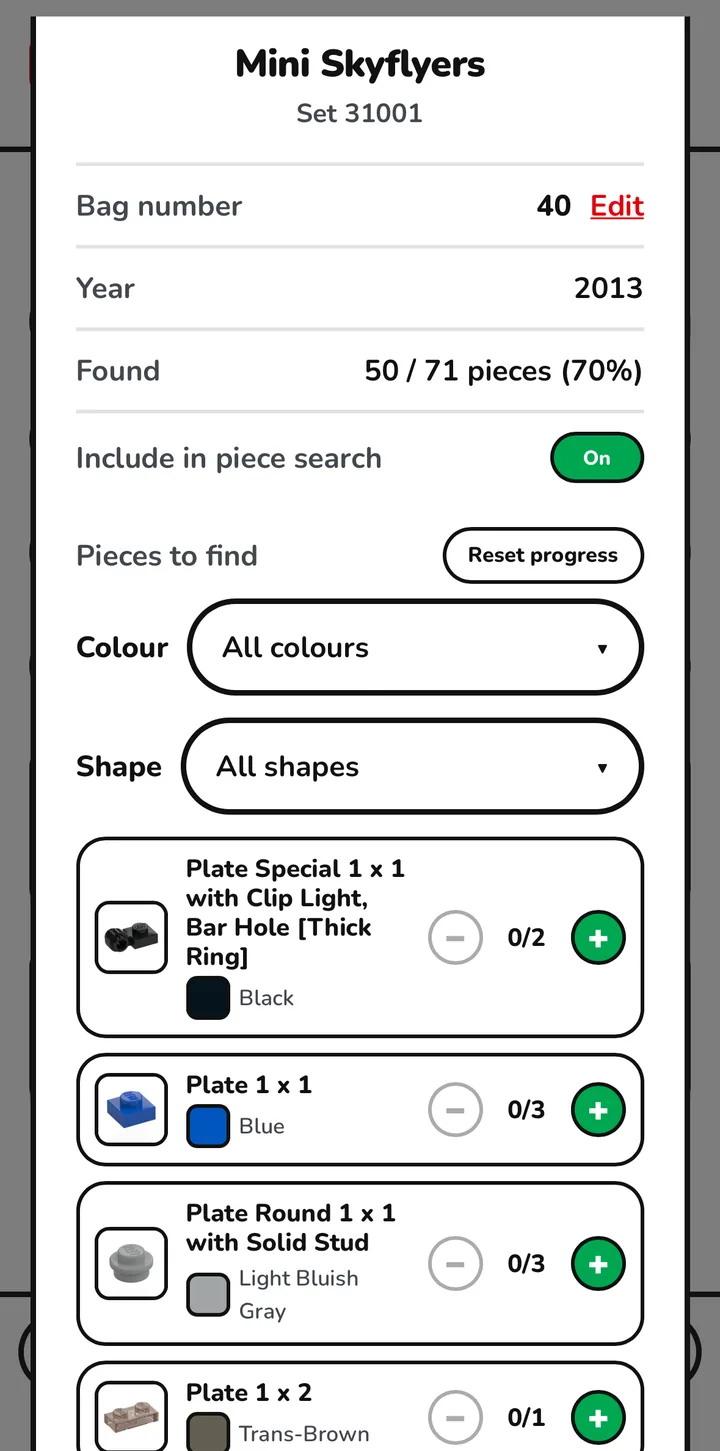
The first thing to say is that this is a job done over several sessions, not in one go. Gybio saves your progress as you work, and every set shows what you have found as a count and a percentage, 50 / 71 pieces (70%), so you can stop, come back another day, and pick up exactly where you left off. That matters more than it sounds. Nothing kills a rebuild like having to sort the same bricks twice.
The second thing is the bit I got wrong at first. You do not rebuild one set at a time. Every set you own is already in the app, so each piece you pick up goes to whichever set needs it, and all of them creep forward together.
Add your sets first
Before any sorting, add the sets you own to Gybio. That is what gives it something to match against. It pulls each set's inventory from Rebrickable, so it knows what that set needs, in which colour, and how many. Skip this and the pile is just a pile.
One thing worth finding now rather than later. Open a set in the My Sets tab and under its details is a toggle labelled Include in piece search. Turn it off and that set drops out of the Sort by part view, which is how you keep a big set out of the way until you are ready to face it. Turn it back on when you are. It is the simplest way to decide what you are actually tackling first.
Sort by colour, big pieces first
Split the pile physically by colour. Then take one colour and open the Sort tab, which gives you a screen headed Sort by part. There are two filters on it, Colour and Shape. Set the colour to the one in front of you, then use the Shape dropdown, which is grouped by type with the sizes inside each, and pick the large sizes. Go after the big, easy to spot pieces first. Your eye finds those fastest and they clear the most space.
That is the short version. The full method, and why colour first is the right opening move, is in the guide to sorting a loose pile of bricks.
Two kinds of bag, and they are not the same thing
This is where people get muddled, so let me be plain. There are two sorts of bag in this method and they do completely different jobs.
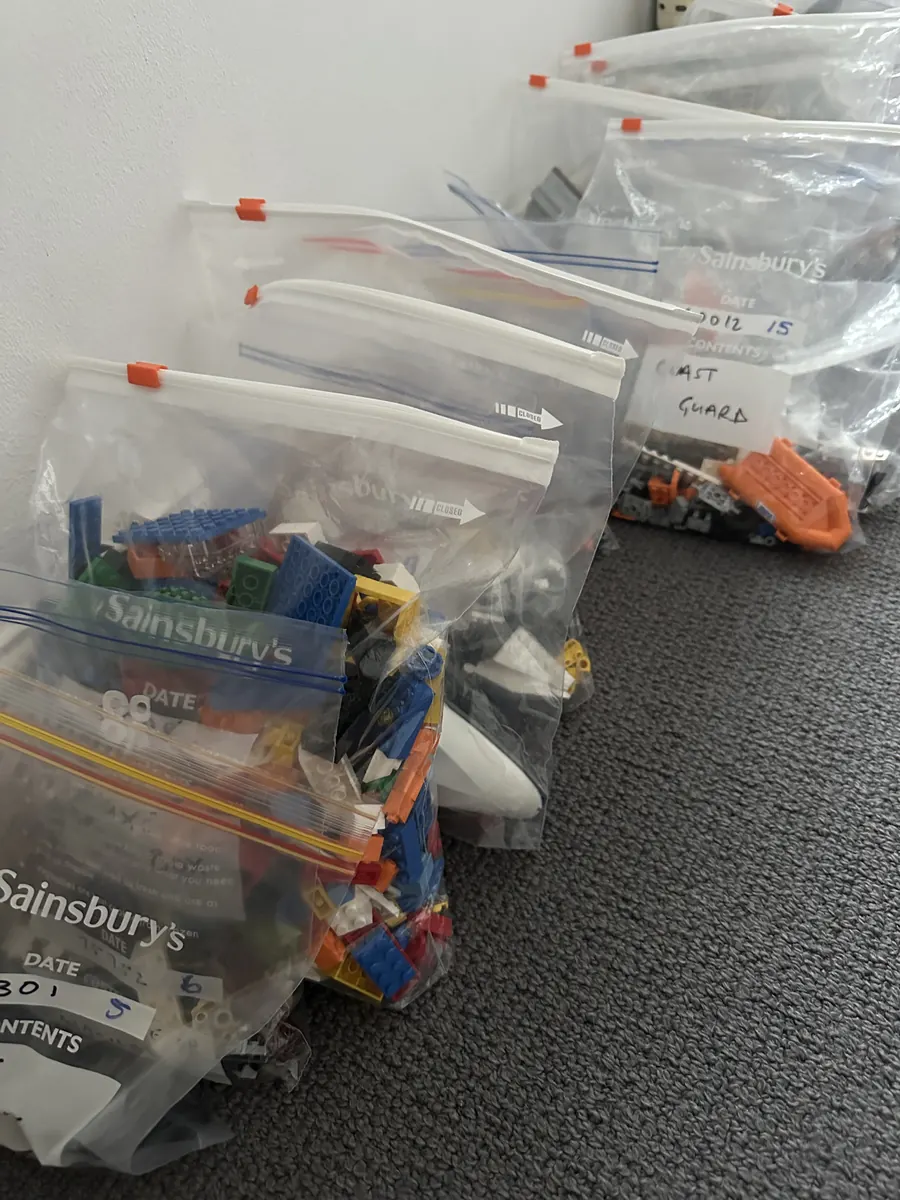
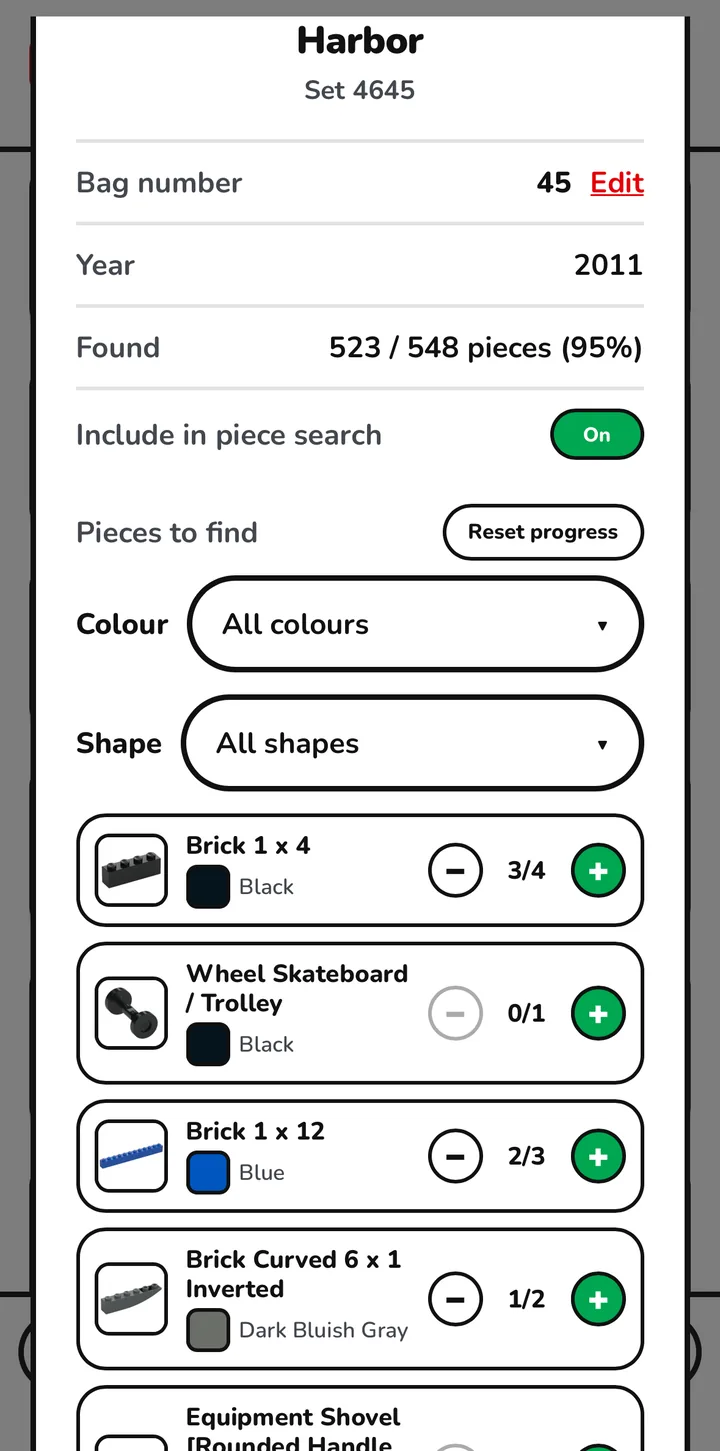
Numbered bags are for sets. Gybio gives every set you own a bag number, and you can change it with the Edit link beside it if you would rather number your sets your own way. When you find a piece that belongs to a set, tap the plus to allocate it, watch that set's count tick down, and drop the piece into that set's numbered bag. That bag is the set, slowly gathering itself.
Colour bags are for storage between sessions. At the end of a session you scoop each colour back into its own bag. Reds into the red bag, blues into the blue bag. Over several sessions the whole pile ends up split into colour bags, which means you never sort the same colour from scratch twice.
Every set moves at once
Because each piece goes to the set that needs it, you handle each piece once. Pick it up, allocate it, bag it, done. You are not hunting one set's pieces through the whole tub and then starting again for the next set.
This is also the answer to the fair objection that colour sorting gets you nowhere. On its own, it does not. You end up with tidy colour piles and no finished sets. The missing half is something that hands those colours back to the sets they came from, and that is what Gybio is doing quietly while you sort.
What it looks like in practice is uneven, and that is normal. In my own collection one kit is finished, a few of the big ones sit at around 98 per cent, and the rest are spread across every stage in between. That is what rebuilding everything at once looks like, rather than a tidy queue of completed boxes.
The endgame, the last few per cent
A set sitting at 98 per cent is not a problem. It is the good bit.
Open that set in the My Sets tab. It shows you what you have found as a count and a percentage, so 68 / 71 pieces (96%) tells you the honest size of what is left, and its Pieces to find list puts those outstanding pieces at the top. There is a Reset progress button on the same screen if you ever need to start that set over. What you want is the short list at the top, because that is the handful you are actually chasing. Because your colours are already in separate bags, you do not search the whole tub for them. You go to the right colour bag, tip it out, and find that specific piece by hand.
The camera is not the tool for this part. You already know exactly what you are looking for.
This is also the first moment you can sensibly buy anything. While the pile is still mixed, a piece you have not found is not the same as a piece that is gone. At the last few per cent you can finally see which is which, and order the genuine gaps in one batch instead of dribbling out orders. There is a fuller guide to missing LEGO pieces if you get to that point.
The oddball you cannot place
Every so often you will hold a piece that beats you. Not a colour you are unsure of, but a piece you cannot place at all. That is what the Scan tab is for, and it is a small part of this job rather than the main event. The guide to identifying a piece you cannot place covers it properly.
Building it is still you and the booklet
One thing to be clear about, because it would be easy to assume otherwise. Gybio does not hold building instructions. Its job here ends at sorting, allocating and bagging.
When a set's bag is full and you want to build the thing, you need the booklet, and the originals are in the LEGO® building instructions archive. That part is you, a table and an hour of your own company.
When this is the wrong approach
The honest limit. This suits a manageable number of sets that you actually mean to rebuild. My own collection is somewhere around seventy sets, which is well inside that range.
If you are well past that, and you are building your own designs from a large parts library rather than putting named sets back together, then a parts library is the right answer. All the 2x4s together, whatever set they came from. Gybio is not that tool and will not pretend to be.
FAQ
How long does it take to rebuild a set?
I have no honest figure for that and I am not going to invent one. It depends on the size of the pile and how many sets are in it. What I can say is that it is done in sessions, and because Gybio saves your progress as you go, stopping and picking it up later costs you nothing.
Do I rebuild one set at a time?
No. Every set you own is already in the app, so each piece goes to whichever set needs it and all your sets advance together. You handle each piece once rather than searching the same tub again for every set.
Does Gybio include the building instructions?
No. Gybio handles the sorting, the allocating and the bagging. For the build itself you want the original booklet, and those are in the LEGO building instructions archive.
What if a set is missing pieces?
You cannot tell until the set is sorted. While the pile is still mixed, a piece you have not found is not the same as a piece that is gone. When a set reaches the last few per cent you can see what is genuinely missing and order it in one batch.
Do I have to scan every brick?
No. Sorting by colour, and by what your sets need, does the bulk of the work. The camera is for the occasional piece you cannot place at all.
The short version. Add your sets, sort by colour, bag each set by its number, and put the colours away in colour bags at the end of every session. Every set climbs together, and the last few per cent is where you finish by hand.
Gybio is a set of tools for rebuilding your LEGO® sets. Free for up to three sets and it runs in your browser, with no app store. Gybio Pro is £3.99 a month, or £39.99 a year, for unlimited sets.