LEGO® Set Missing Pieces? Find What's Gone, Then Order
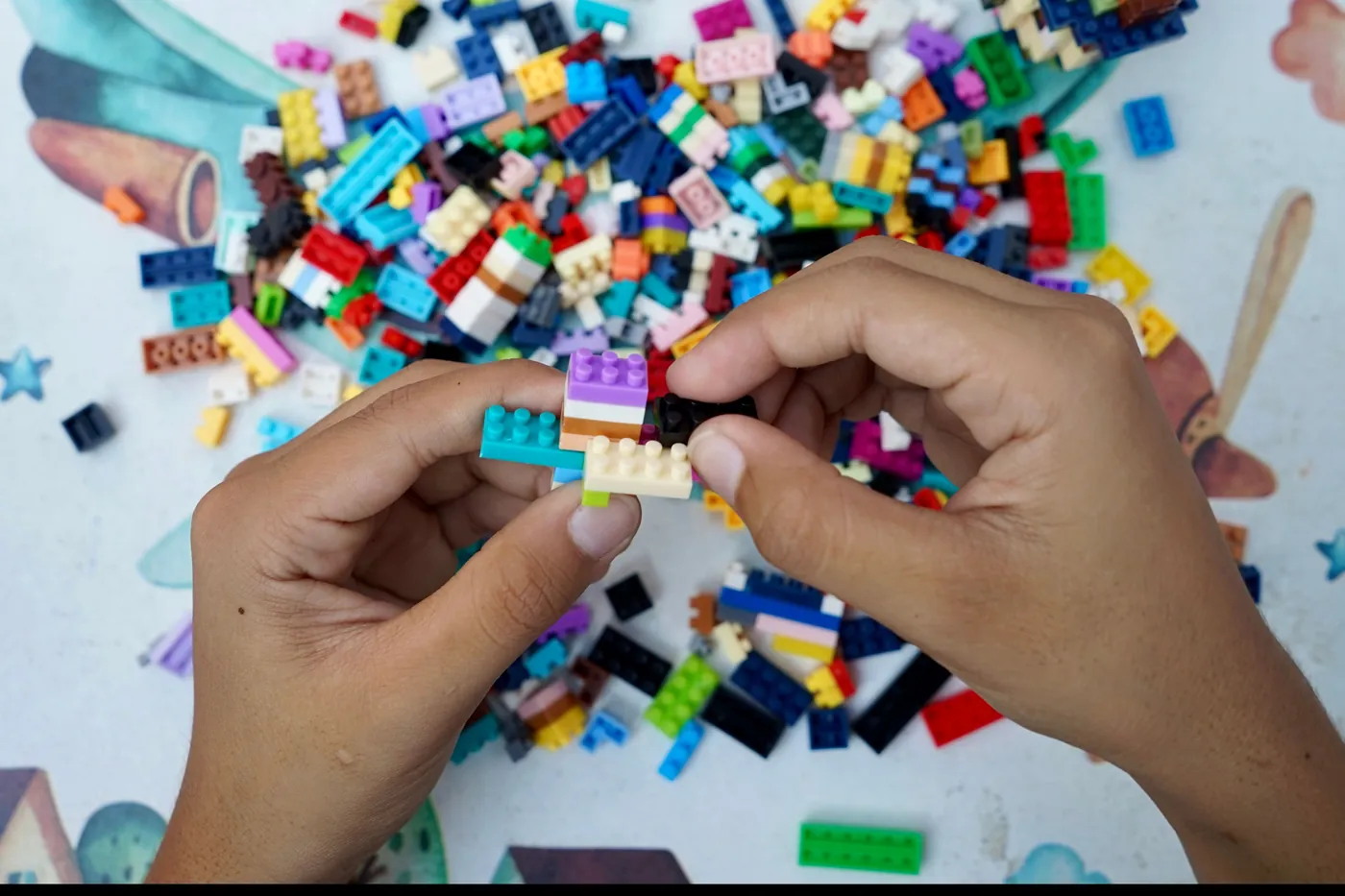
If a LEGO® set of yours is missing pieces, the honest first move is not to order replacements. It is to separate the sets out and work out what has genuinely gone, because most of the time the piece was never missing at all. It was in the pile.
So the order matters. Separate the sets. Establish what has actually gone. Then order the lot in one batch. Do it the other way round, ordering before you know, and you are guessing. You pay for pieces you already own, and you miss the ones you do not.
I'll give you an example, and it is not mine. A parent I know decided to put her children's sets back together. She did not know Gybio existed. She did it by hand, the honest way, and it took hours and hours.
She got most of the way. Then she hit the wall everyone hits. A small pile of pieces left over, and no idea which set any of them belonged to. Not broken. Not faulty. Just orphaned.
That is the real shape of this problem. Hand sorting gets you most of the way and leaves a residue of pieces you cannot place. It is not a problem you can fix with patience. It is a knowledge problem.
First, is the piece actually missing?
Before anything else, rule out the boring answer. On a brand new set, a piece almost never leaves the factory absent. The LEGO Group is very good at packing every element the instructions call for.
What usually happens is that the piece is hiding. It is still in an inner bag you thought was empty. It is pressed inside a larger element, a small tile clipped into a technic connector, that sort of thing. Or it has left the table entirely, under the sofa, in the carpet, down the side of a chair.
If a piece is genuinely absent from a new set, that is the easy case, and I will come to it. The hard case is the one the parent above was in. A used set, or a collection that was tipped into one box years ago, where you cannot tell a missing piece from one that is simply somewhere else in the heap.
Why you cannot order until the sets are separated
Here is the bit most advice skips. While your sets are still a single heap, you cannot know that any piece is genuinely gone. It may well be in the pile. So you do not order, and holding off is the sensible move rather than a stubborn one.
You separate the sets out first. You establish what is truly missing. Only then do you buy, and you buy in one batch rather than dribbling out orders one part at a time.
This is where a set that is nearly finished becomes useful rather than annoying. One of my own big sets has sat at about 98 per cent complete for a while now, which is the figure straight out of my own collection in the app. That is not a problem. That is the exact moment the job gets easy, because I can see the few pieces that are left and order them together, in the right colours, in one go.
None of this is a telling off. For some people the hunt through the pile is part of the hobby, and that is a fine way to spend an evening. The point is only that buying a replacement should be a choice you make once you know the facts, not a reflex you reach for while you are still in the dark.
Finding which set a loose piece belongs to
So you are holding an orphan piece. How do you find its home?
It depends entirely on the piece. A distinctive part, an odd printed tile, an unusual curved slope, a particular minifigure accessory, can be looked up in a catalogue such as Rebrickable, which will list the sets it appears in. That list is often short enough to jog the memory. You see the set and you think, yes, we had that one.
A plain 2x4 brick is the opposite. It turns up in so many sets that looking it up narrows nothing down at all. An honest guide says so plainly. Common pieces cannot be traced this way, whatever tool you use, because the information simply is not there in a single brick.
There is a related trap worth naming. If the instruction booklet is gone, and for small sets, polybags and free gifts it usually is, you have lost the one thing that would have told you what the set even was. A missing booklet is not a time problem either. It is the same knowledge problem in a different coat. This is why rebuilding a set from a mixed up pile is so much harder than rebuilding one whose box and booklet you kept.
Getting a genuine replacement, without any app at all
Say you have done the work and you know a piece is truly gone. You have three good routes, and none of them needs Gybio.
For a piece missing or faulty from a set you own, the LEGO Group runs its own Bricks and Pieces service. Give it the set number and the element you need and it will usually send a replacement, often free. It is the right first stop for a new set that arrived short, and it is the answer to the question people phrase as how to order missing LEGO pieces.
For older or out of production parts, and for anything Bricks and Pieces will not carry, BrickLink is the marketplace. A common part costs pennies there. The catch is the postage, which is why batching matters so much. One order of fifteen parts from one seller beats fifteen orders of one.
And to know what should be in the box in the first place, Rebrickable holds the full inventory for almost any set. That inventory is your source of truth for what a complete set contains, which is the same reference you would use for checking a used set is complete before you buy. Set and part data on Gybio comes from Rebrickable too, with thanks.
Where Gybio fits, and where it does not
Gybio is built for one specific version of this problem. Add a set to it, photograph a loose brick, and it tells you which of your sets want that piece, in which colour, and how many. As you work through the pile, it keeps a running list of what each set is still short of. That list is your report of what is gone, and it is what turns a vague heap into a definite order.
Now the honest part, because this matters more than the sales pitch. If you have a brand new set from the shop with a piece genuinely absent from a sealed bag, Gybio is not your tool. Go straight to Bricks and Pieces. That is faster and it is free, and dressing it up as a job for an app would be daft.
Gybio will not audit a box of a thousand pieces for you either. It checks a brick against a set's inventory, one brick at a time. It does not pick the piece up, and it will not tell you where in the build it goes. And on colour it is careful rather than certain, because a phone camera cannot always separate the two bluish greys, a real limit I have written about in the guide to telling the two greys apart. It shows you the likely colour and every set's required colour, and correcting it is one tap.
If the whole pile is what is defeating you, the piece by piece checking is only half the job. The other half is sorting a pile of loose bricks in the first place, so that the checking has somewhere to land.
FAQ
Are LEGO® sets ever really missing pieces?
Rarely, from a brand new set. LEGO is very good at packing every element, and most of the time a piece that looks missing is inside an inner bag or stuck inside a larger part. It is far more common in a used or mixed collection, where a piece has genuinely been lost or has ended up in another box.
How do I order missing LEGO pieces?
For a genuinely missing or faulty piece from a set you own, LEGO's own Bricks and Pieces service will usually replace it free once you give the set number and the element. For older or out of production parts, BrickLink is the place to buy. Either way, work out everything that is gone first, then order it in one batch rather than a piece at a time.
How do I find out which LEGO set a loose piece is from?
It depends on the piece. A distinctive part can be looked up in a catalogue such as Rebrickable, which lists the sets it appears in. A plain 2x4 brick turns up in so many sets that it will narrow nothing down, so common pieces cannot honestly be traced this way.
What should I do if a used set is missing pieces?
Check the loose parts against the set's inventory before you decide what the set is worth, then treat the missing parts as a cost to price in. There is a fuller guide to checking a used set is complete before you buy elsewhere on this blog.
Is it worth buying replacement pieces?
Usually yes, once you know exactly what is gone. Common parts cost pennies, and a set sitting in the high nineties for completeness is often a small, cheap order away from whole. The mistake is ordering before the sets are separated, because you cannot yet tell what is genuinely missing from what is still in the pile.
Can a phone camera tell the colour of a missing piece?
Not reliably, for the two bluish greys especially. Light Bluish Gray and Dark Bluish Gray sit right next to each other under a kitchen light and are genuinely hard to tell apart. Whatever you use to identify a part, check the colour by eye before you order.
The short version, then. A missing piece is only missing once the sets are separated and you have looked. Do that first, make one list, and order once.
Gybio is free for up to three sets and runs in your browser, with no app store. Gybio Pro is £3.99 a month, or £39.99 a year, for unlimited sets. If you want to point it at your own pile, that is where to start.