How to Sort Loose LEGO® Bricks
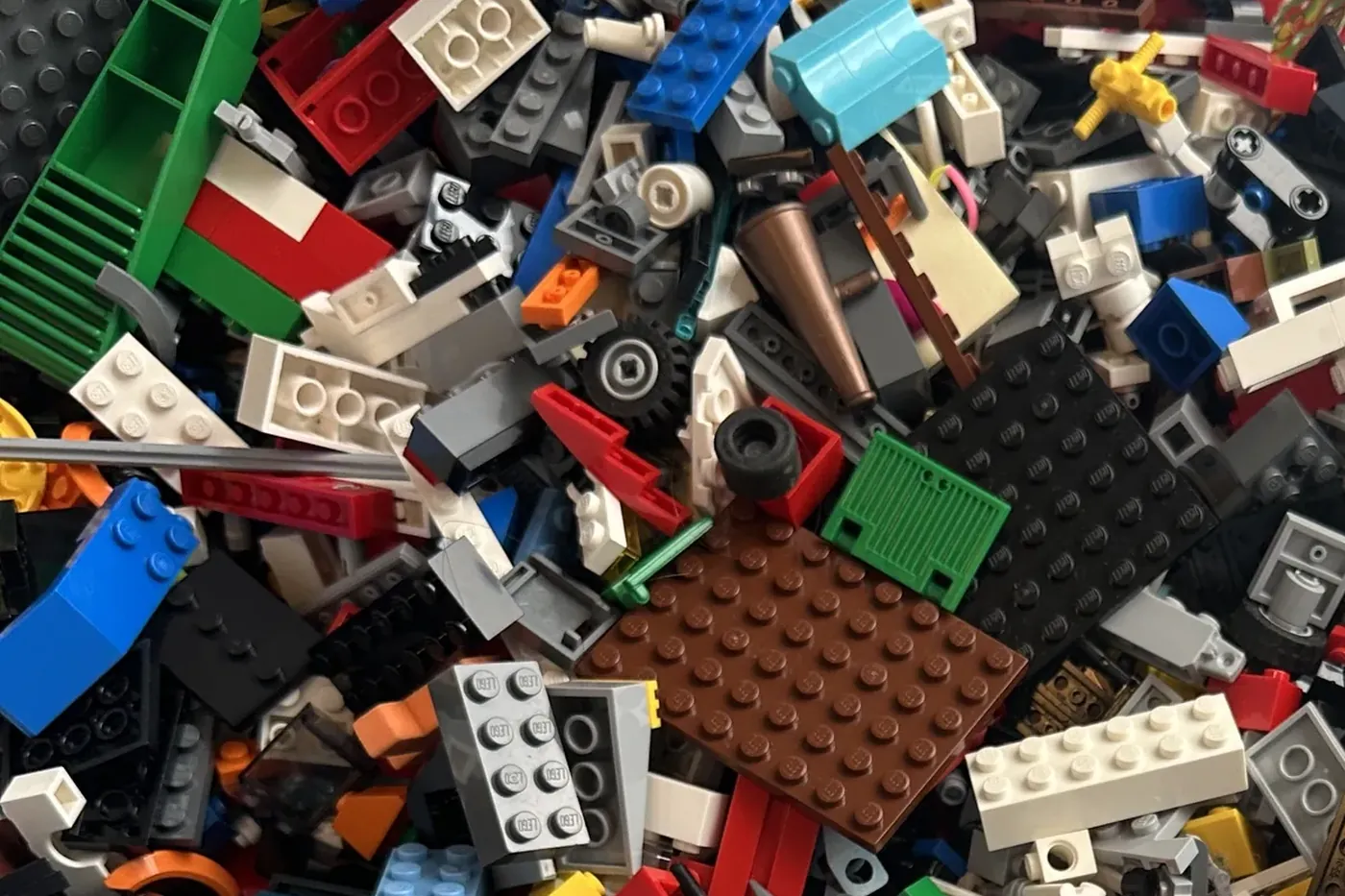
There are plenty of ways to sort loose LEGO® bricks, and I tried the obvious ones before I landed on the one that actually gets you finished sets. So this is how to sort LEGO the way I do it now. Colour by colour, with the sets themselves telling you what to pull out.
Here is the mistake I made first. I tipped the tub out and sorted the whole thing by colour. A few hours later I had neat colour piles, not one finished set, and no table left. Colour sorting is not wrong. It is half of the job. The missing half is something that takes those colours and puts them back into the sets they belong to. Do both, and colour first turns from a dead end into the fast route.
Colour first, always
Start by splitting the pile physically by colour. Reds with reds, blues with blues, and the two greys in their own heaps, because they are the ones that catch everybody out. There is a whole guide to telling the two greys apart if that is the part that trips you.
This is the same first move as any lego sorting advice you will read, and the instinct is sound. The difference is entirely in what you do next.
Let your sets tell you what to pull
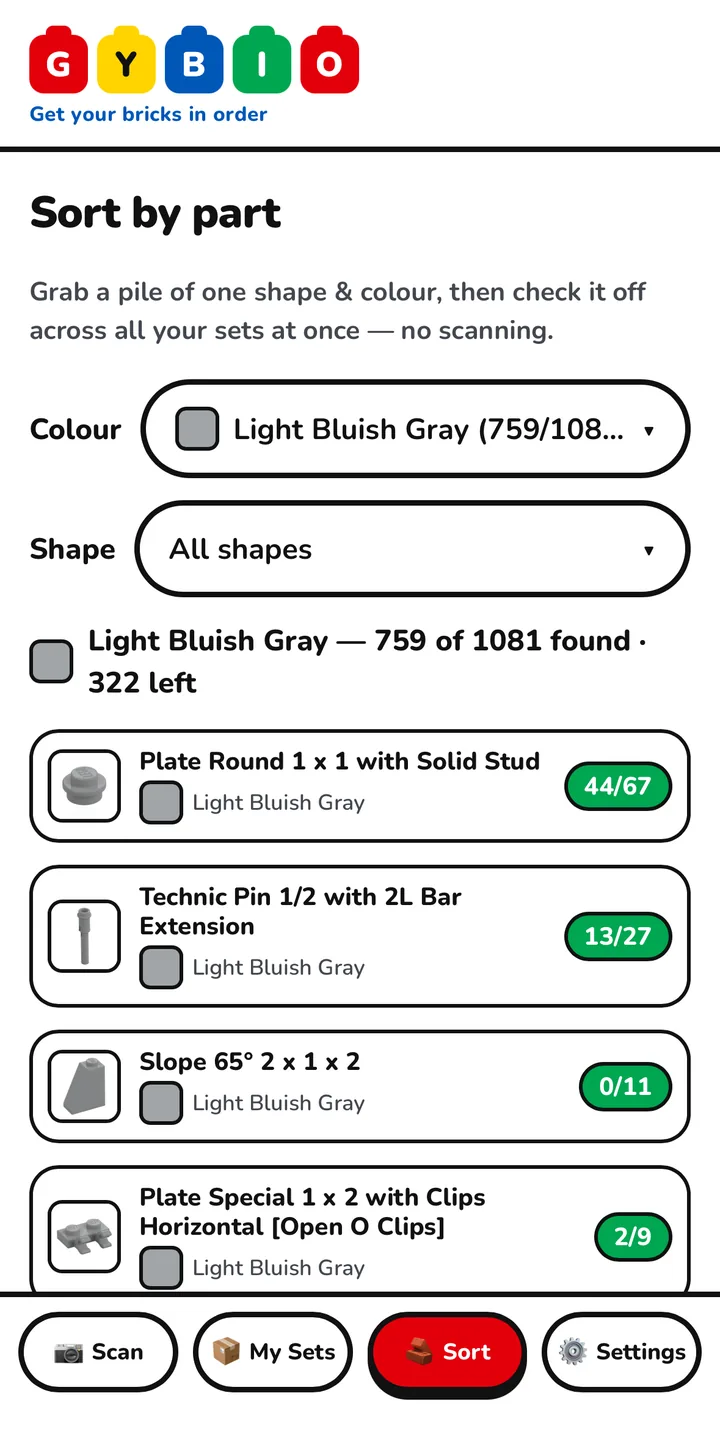
Take one colour and start there. The Sort tab opens a screen headed Sort by part, which filters across all your kits at once. Set the Colour filter to the colour in front of you and Gybio shows you what your sets still need in it. If you would rather work through one kit at a time, the My Sets tab lets you open a single kit and filter inside it the same way. What each set needs comes from its inventory, which Gybio pulls from Rebrickable.
That list is the allocating half I was missing when I just made colour piles. You are no longer sorting into the void. You are pulling the pieces your own sets are asking for.
Big pieces first, then down to the fiddly ones
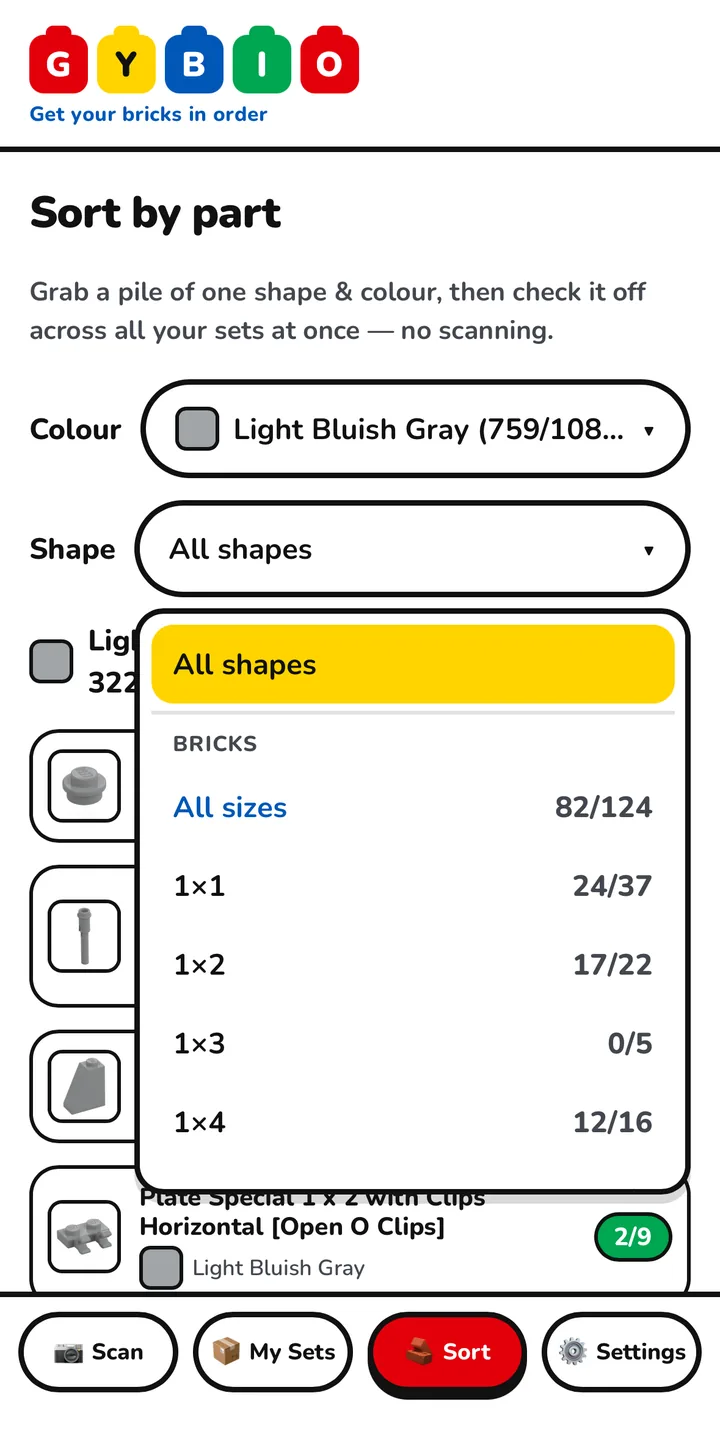
Within a colour, go for the big, easy pieces first. Your eye finds a large brick or a big plate in a heap in a second, and a handful of those clears space fast. That is what the Shape filter is for. It is one dropdown, grouped by type, so bricks together, plates together, tiles together, and inside each type you either take All sizes or pick a single size like 1x2 or 2x6. For this pass, choose the large sizes. Pull the big bricks and big plates, pile them, and bag them off first.
Then work down. Once the big pieces are gone, go after the smaller, fiddlier ones in that colour, the 1x1s and the odd little clips. They are slower, but the colour is thinning out by then, so there is less to search through. It is a tidy way to organise a collection too, though tidiness is a side effect here, not the point.
Bag as you go, and let every piece find its set
Bag as you go. Gybio gives every set you own a bag number, which you can change with the Edit link next to it, so you write that number on the bag and every set has a home you can find again. As you pull each piece, tap the plus to add it to whichever set needs it, and that set's count ticks down.
The part that makes this quick is that you are not rebuilding one set at a time. Every kit is already in the app, so a red 2x4 you pick up goes to whichever set was short of it, and all your sets edge forward together. You handle each piece once. That is the whole trick, and it is why colour first stops being a dead end.
When a colour runs out, move on
When a colour is down to the oddballs, the few pieces you cannot place by eye, move to the next colour and do the same. Work through the pile one colour at a time and it comes apart steadily.
The camera is not part of this loop. It is for the leftovers, the odd piece that sorting cannot place. When you hit one of those, that is the job covered in how to identify a piece you cannot place.
When this is the wrong approach
One honest limit. Sorting by set like this makes sense when you own a manageable number of sets and you actually mean to rebuild them. If you are a builder working from a big parts library rather than putting specific sets back together, the right answer is a parts library, all the 2x4s together whatever set they came from, and Gybio is not that tool.
It is worth seeing the same Shape filter from both sides. The parts-library way uses it to gather every 2x4 in one place. Gybio uses it to do the opposite, to hand those 2x4s back to the sets that are missing them. Same control, different goal. When you do come to put a set back together, the booklets are in the LEGO® building instructions archive, and there is a fuller walk through in the guide to rebuilding a mixed up set.
FAQ
What's the best way to sort Legos?
Split the pile by colour first, then take one colour and let your sets tell you what to pull, biggest pieces first. With Gybio doing the allocating, colour first is the fast route to finished sets rather than just tidy piles.
How do I sort LEGO back into specific sets?
Add your sets to Gybio, filter by colour, and tap the plus to send each piece to whichever set needs it. Every set advances together, so you handle each piece once instead of hunting one set at a time.
Should I sort by colour or by type?
Colour first, because your eye works in colour and the greys need separating early. Then, within a colour, use the Shape filter to pull the big pieces before the small. Colour and shape are not rivals, you use both, in that order.
Do I need a LEGO sorter or special trays?
No. A table, a few bags and your phone are enough. A physical LEGO sorter groups pieces by size, which suits a parts library, but it does not tell you which of your sets a piece belongs to.
How should I store LEGO once it is sorted?
One set to a bag, with the set's bag number written on it, so a sorted set does not slide back into the pile. Match the container to the job, and label it, because an unlabelled system stops being a system within a month.
The short version. Sort by colour, take one colour at a time, pull the big pieces first, and let the app hand each piece to the set that needs it. Colour first was never the problem. Colour first with nothing to allocate the pieces back was.
Gybio is a set of tools for rebuilding your LEGO® sets. Free for up to three sets and it runs in your browser, with no app store. Gybio Pro is £3.99 a month, or £39.99 a year, for unlimited sets.