How to Store LEGO® Sets: Give Each One a Bag Number
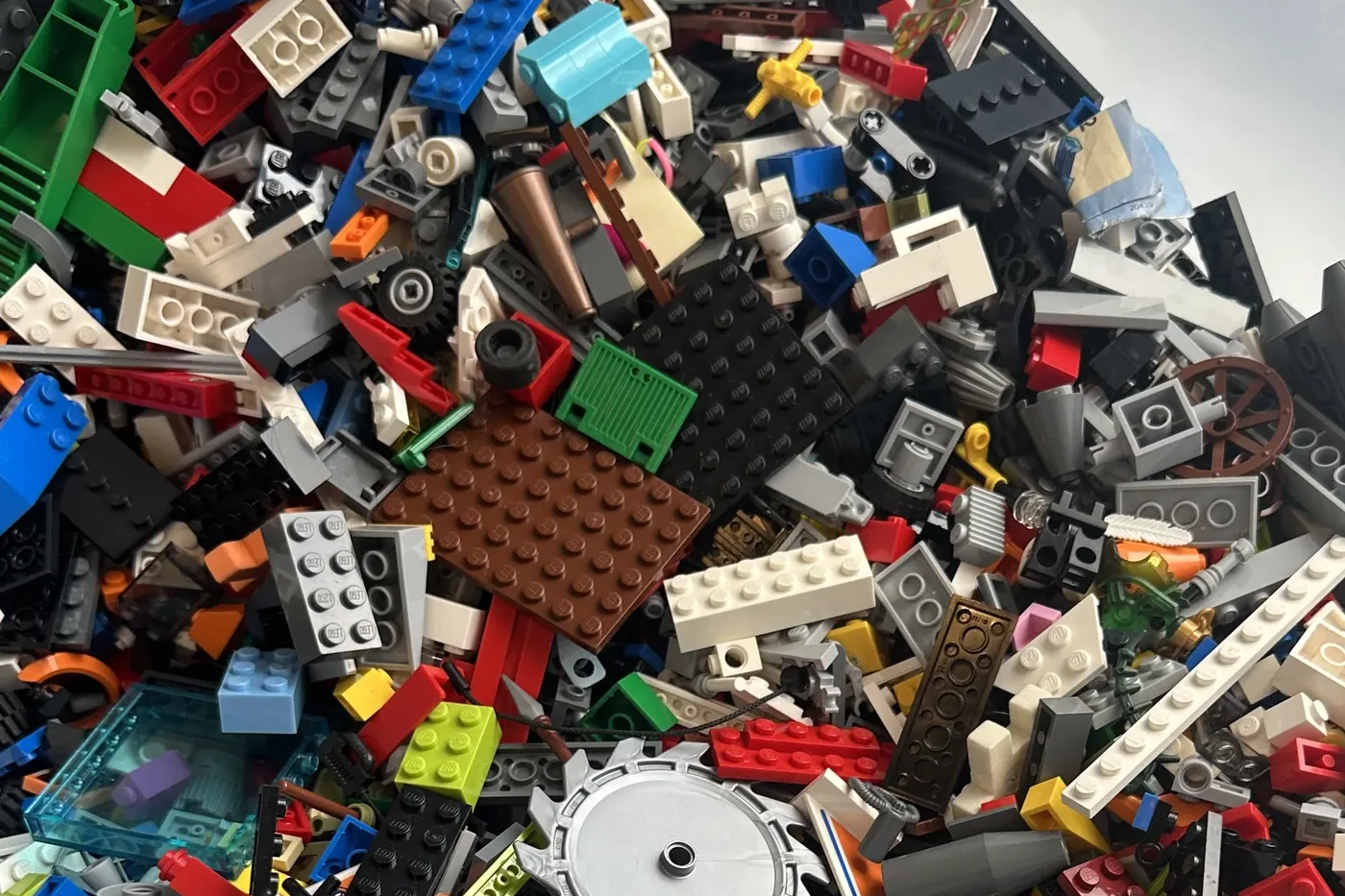
To store LEGO® sets once you have taken them apart, keep each set's bricks in its own bag or box, give that bag a permanent number, and line them up in order. The container matters less than you would think. The number is the part that saves you, because it lets you find any set in a second instead of reading along a shelf of look-alikes.
Most advice on how to store LEGO sets stops at the container. Trays with different sized holes, stackable drawers, a cabinet with the good lighting. When I went looking for help with my own boxes, that was nearly all I found, and a fair bit of it was really written by people selling drawers. It is not wrong. It is aimed at a different person. A sifter tray that sorts by size suits somebody building their own designs from a parts library, where you do want all the 2x4s together. It does nothing to get you back to finished sets, because a set is not all one size. It is one of everything.
So the container was never the real problem. Knowing what is in which box is. Here is how I fixed it in my own boxes.
The bag with no order on it
I have somewhere around seventy sets. The ones that ended up in the box now live in freezer bags, one set to a bag, with the name written on in marker. Millennium Falcon. Coast Guard. About fifty bags, all much the same to look at.
Then the app tells me a brick I have just picked up belongs in the Falcon. Good. Which bag is the Falcon? A handwritten name gives you nothing to line up, so I go through the pile of bags until I find it. Every time.
I tried lining them up alphabetically. It helps a little and it falls apart fast. Two sets start with the same word. The marker smudges. A bag goes back in the wrong place and the order is gone. An alphabet is only as good as your willingness to keep filing bags back into it, and mine ran out somewhere around bag thirty.
What actually works is a number. Give every set a number and write that on its bag. One, two, three, on up the shelf. A number has an order a name does not, so the bags line up and they stay lined up. When something tells you a brick goes in bag 23, you walk to bag 23. No reading along a row, no hunting.
The one rule that makes it work
A bag number has to be permanent. Once it is written on a physical bag, it cannot change, because you are not going to label fifty bags again every time you add or remove a set. So the number belongs to the set for good. Add a new set and it takes the next number that has never been used. Take a set out and its number retires with it, rather than being passed to something else.
Gaps are fine, by the way, and you should expect them. If you remove set nineteen, you do not shuffle everyone up to close the hole. You leave it. Bag twenty is still bag twenty. The whole point was that the numbers stay put, and a tidy run with no gaps is worth nothing next to that.
Storing a set you have taken apart, not one on display
Worth being clear about which sets this is for. A set that is built and on display looks after itself. Put it on a shelf and admire it. This is about the other kind, the set you have taken apart, or that got tipped into one box years ago with everything else. If you are wondering what to do with old LEGO that has ended up as a single heap, that is the honest answer in two halves: sort the pile back into sets first, then give every set its own numbered bag so it stays sorted.
The sorting is the hard half and a job of its own. The numbering is what stops the sorted sets sliding back into a heap you cannot navigate.
The best way to organise sorted sets, with or without an app
This is not really a Gybio idea. It is a filing idea, the same one a library runs on. You could do it tonight with a marker and a notebook. Number your bags as you fill them, one to whatever you get to, and keep a short list on your phone of which number is which set. If you want to know exactly what should be in each set as you go, a catalogue such as Rebrickable holds the full inventory for almost any set, and the original LEGO building instructions are archived on LEGO's own site if you plan to rebuild from the bag later.
The catch is keeping the list honest. Add a set and you have to remember to give it the next number and write it down. Miss one and the system has a quiet hole in it that you only find later, holding a brick with nowhere to put it. That is the only real work in the whole idea, and it is the part a machine is better at than a person.
Where Gybio fits, and where it does not
So that is the job I moved into the app. Every set you own gets a bag number the moment you add it. It is permanent, it is never reused, and it shows up everywhere the set does. In your list of sets, on a scan result next to the set name, and in the Sort by part screen when one piece is spread across several sets. Scan a brick and it does not just say Millennium Falcon, it says the Falcon, bag 23, needs three. It also keeps a running list of the missing LEGO pieces for each set, which is a different job but a handy one. You write 23 on the bag once, and that is the last decision you make about it.
You can override a number if you want to. If you have already numbered your bags by hand, you make the app match your shelf rather than the shelf match the app. It warns you if you pick a number that is already on another set, then lets you use it anyway, because it is your shelf and you have your reasons. And the list of sets sorts by bag number, so the order on the screen is the order on the shelf.
Now the honest part. It will not write on the bag for you, and it will not sort the bricks. It hands you a number and keeps it straight. The marker is still your job, and so is the sorting. Switching a set out of scanning does not touch its number either. A set you have set aside keeps its bag, because the bag is a real thing on a real shelf, and the app has no business renumbering something it cannot see.
And yes, I know what this is. A post about my own app, telling you how to store your sets, is also a piece of the storage marketing I was grumbling about at the top. I do not mind saying so. The only difference I would claim is that the thing being sold is the numbering and the looking up, not a drawer.
FAQ
What is the best way to store LEGO® sets?
Once a set is sorted out of the pile, keep each set's bricks together in its own bag or box, and give that container a permanent number. The container matters less than the labelling. A numbered system lets you line the sets up in order and find any one of them at a glance, which is the part most storage advice skips.
Should I store LEGO sets built or taken apart?
A set that is built and on display looks after itself, so store those on a shelf however you like. The problem is the sets you have taken apart, or that were tipped into one box years ago. Those need to be sorted back out and kept one set to a bag, because loose in a heap they are not really stored at all.
How do I organise LEGO sets so I can find one quickly?
Number them. Give each set a number, write it on its bag or box, and keep the containers in numerical order. Keep a short list of which number is which set, so a loose brick or a scan result takes you straight to the right container rather than sending you along a shelf reading labels.
What is a bag number, and why not just write the set name?
A bag number is a permanent number given to one of your sets, written on the bag its bricks live in. A number has an order and a name does not. Fifty bags with names on cannot be lined up in a way that helps you find one fast. The same fifty numbered one to fifty line up on their own, and a result that points you to bag 23 sends you straight there.
Do I need an app to do this?
No. You can number your own bags with a marker and keep a list of which number is which set. Gybio does the numbering for you and keeps it permanent, and shows the number next to every set and every scan result, but the method itself is just a marker and a list.
What happens to a bag number if I remove or set aside a set?
It stays with the set. If you remove the set, the number retires and is never handed to another set, because it may still be written on a bag in a drawer. A set you have only set aside from scanning keeps its number too. New sets take the next number never used, so gaps in the sequence are normal.
The short version, then. Store each set in its own bag, give every bag a permanent number, and line them up by it. The sorting is the work. The number is just what stops you ever having to rummage for a bag again.
Gybio is a LEGO® piece identifier that works against the sets you own, and it gives every one of them a bag number. Free for up to three sets and it runs in your browser, with no app store. Gybio Pro is £3.99 a month, or £39.99 a year, for unlimited sets.